Segmentation
in this tutorial:
automatic segmentation methods
manual segmentation from mask
Segmentation allow us to subset or partition an image to multiples segments or regions that we can isolate in our analysis pipeline for further processing. In the next example we will see how to perform segmentation of the four heart views from our panoramic image in an automatic and manual fashion.
Automatic segmentation
We will see how to perform automatic segmentation via two methods: threshold triangle and the GHT (Generalized Histogram Threshold) algorithm.
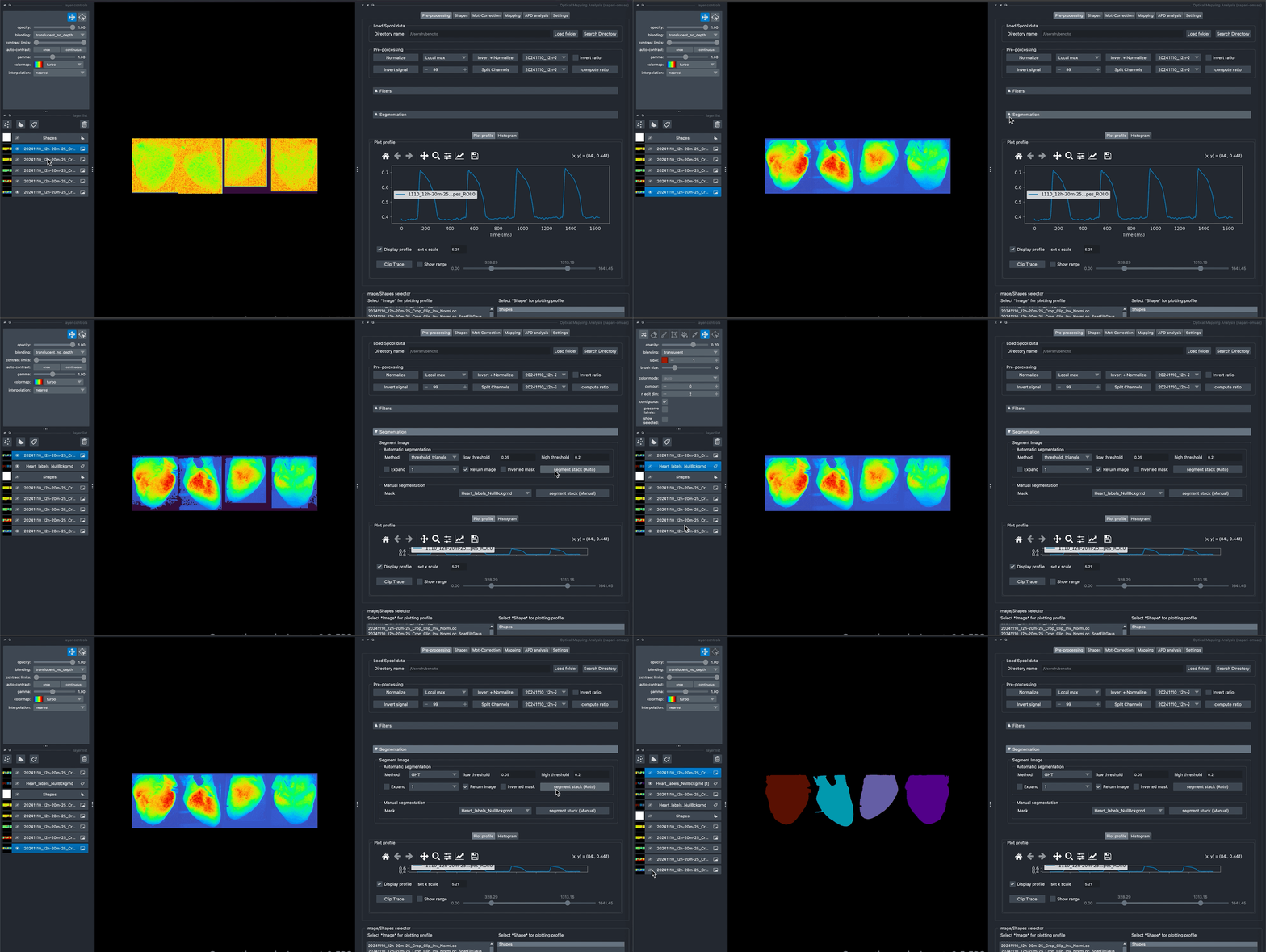
Note from the previous example that the first method does not manage to properly detect the silhouette of the different heart views, while the last method almost perfectly capture the four heart shapes. The operation return a label layer called by default Heart_labels_NullBckgrnd which is the mask used for segmentation, and the segmented image. Note that you can return only the mask or return an inverted mask if you wish by selecting the alternative options displayed in the panel. The region_base method is currently not in maintenance so is not encouraged to be used.
Manual segmentation
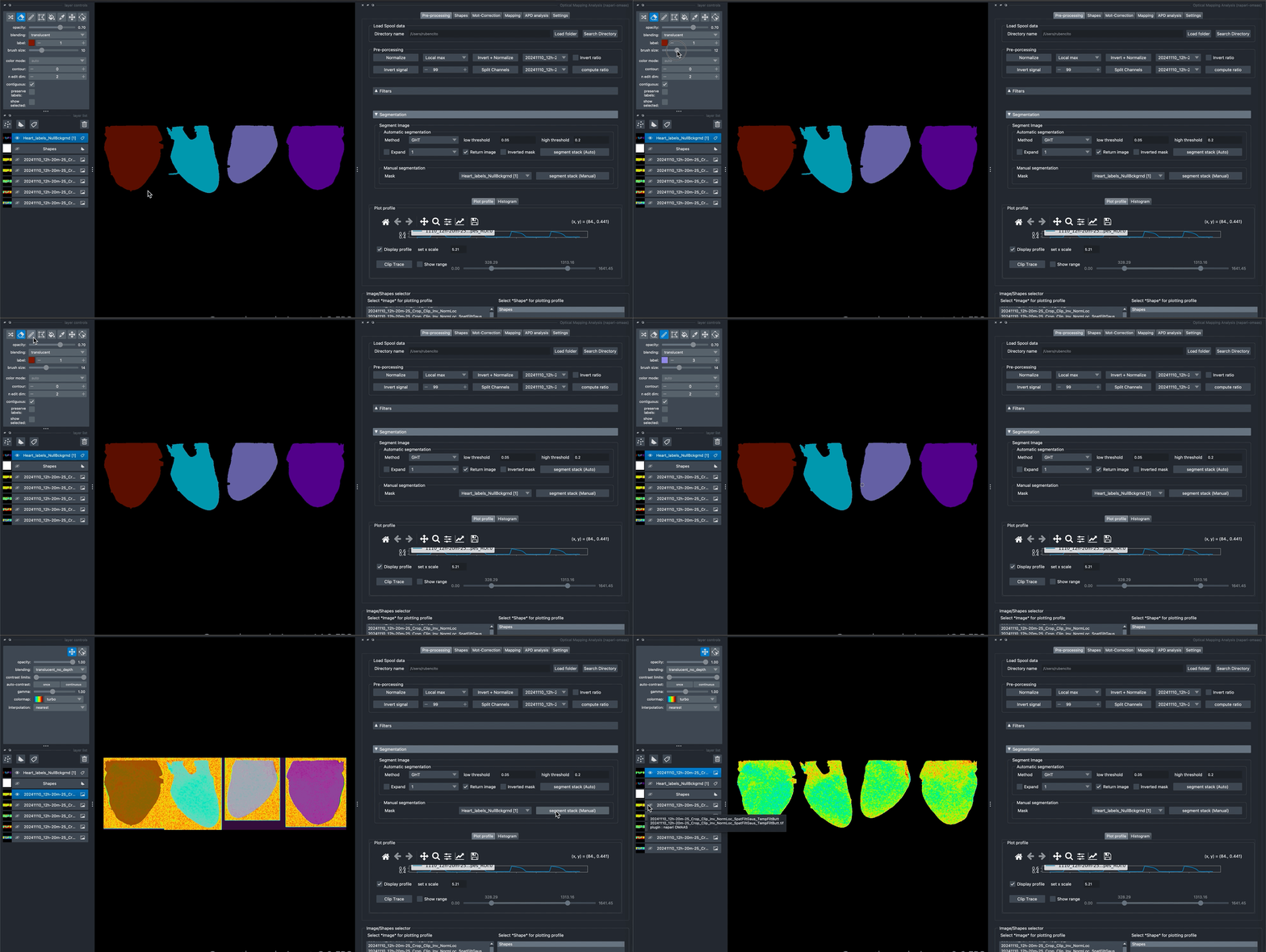
The manual segmentation relies in the previous existence of a mask. You can create a mask yourself or edit an existing one for later use it with the manual segmentation method as shown bellow.
In the following demonstration we will use the mask we just created at the automatic segmentation tutorial, edit it and use it for segmenting the last resulting filtered image from the previous filter tutorial.