Motion compensation
in this tutorial:
apply motion correction on images
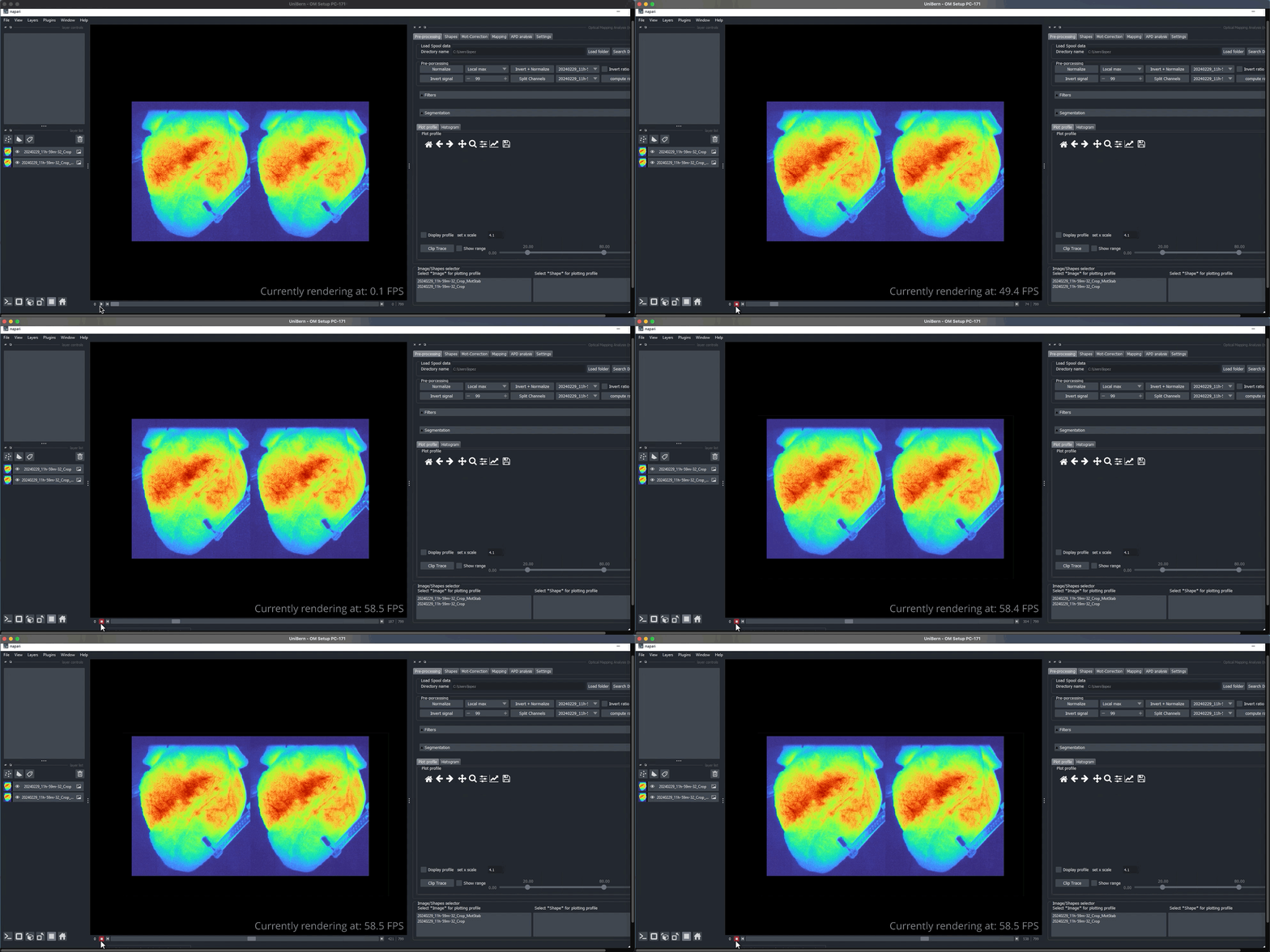
For this example we will use a cropped single view image from the full panoramic view to perform numerical stabilization of motion artifact on the image.
Please note how the profile of the image at different regions of the heart highlight the impact of the motion on the quality of the fluorescence signal.
A number of parameters can be adjusted to improve and fine tune the motion stabilization. For additional details on what parameter to use please refer to a more comprehensive explanation on optimap specifically on the motion stabilization tutorial from where these methods have been borrowed.
Let’s visualize the results bellow and compare the motion stabilized image with the original one.